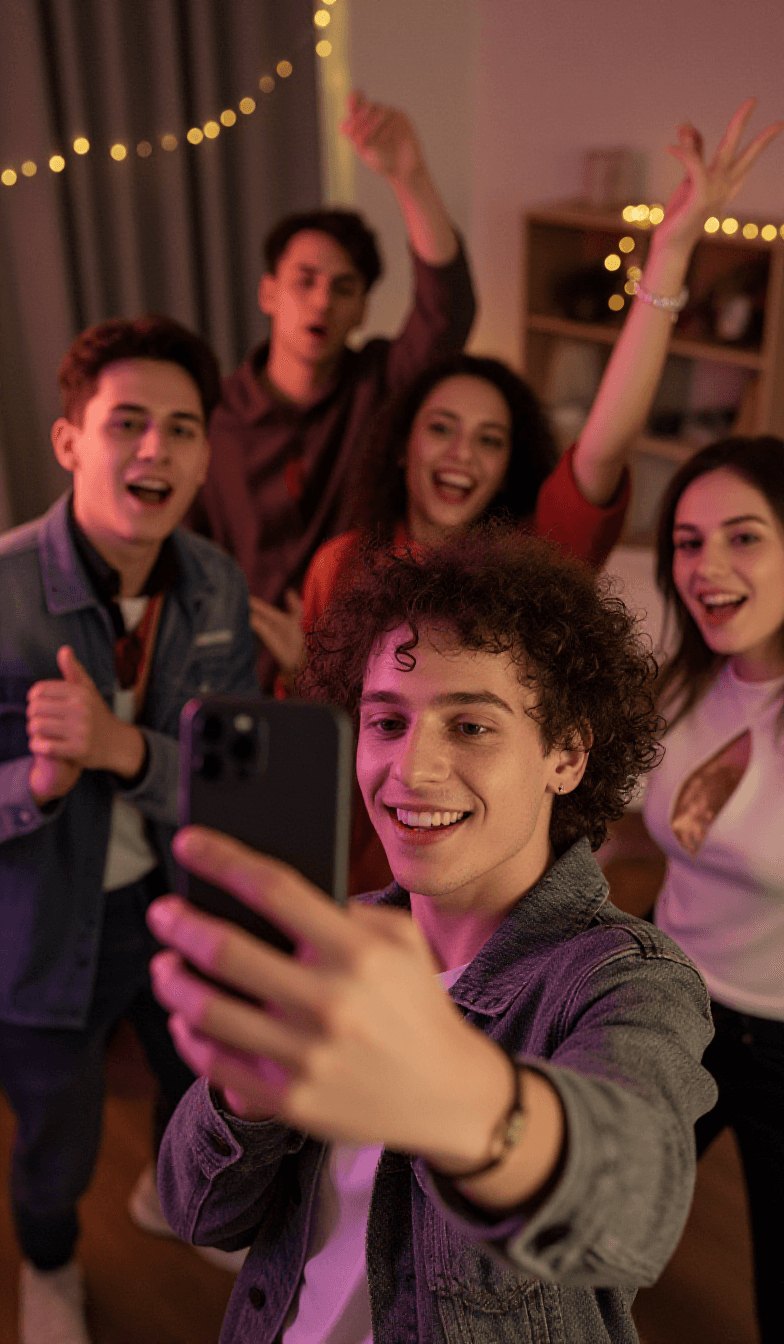
Every guest’s camera. One shared album.
Put a QR code on the table. Guests add photos in seconds — no app, no sign-up. Watch the moments land live, choose what shows, and download the full album to keep forever.
Be the first to know
How it worksAlready a beta tester? Sign in

With Snappio, guests scan a QR code to add their photos to a live, shared gallery you can easily review and download — without needing an app or a sign-up.
Everything for event photos, in one link
Never chase a single photo again. Guests add their own, and you curate from one screen — from the first scan to the final download.
Guests add their photos straight from their phones. You don't have to collect them, ask around, or wait for the group chat. Everything lands in one place automatically.
Print a QR code for the table or the door. Guests scan to snap or pick a photo, and add a caption — no app or sign-up required.
Shots show up in the gallery within seconds. You can even run a live, full-screen slideshow for the big screen at your venue.
You and your helpers can review, hide, or remove any photo from one simple screen — either before it goes live, or on the fly.
Add your colours, logo, welcome message, and font. Make the photo link and gallery feel like a seamless part of your event.
Download the entire collection in full quality as a single zip file — complete with everyone's captions — during your download window.
Photos stay private until you choose to share the gallery. Once your download window closes, everything is automatically deleted from our servers.
See what your guests see
No app, no sign-up. Guests scan your code and land on a page like this — ready to add photos in seconds.
- Scan the code — the upload page opens right in the browser.
- Snap a photo or pick one from the camera roll — it's on its way.
- Every photo lands in your gallery, live as it arrives.
How it works
- 1Set up your event
Choose your dates and a plan. You will receive a shareable photo link and QR code immediately.
- 2Guests add photos
Place a photo spot QR code wherever people gather — the door, each table, the photo booth. Guests scan and upload in seconds.
- 3Watch, then download
See photos land in the live gallery, choose what shows, and download the entire album before your download window closes.
Simple, per-event pricing
Pay once per event pass. Base is free; upgrade for more photo spots, higher photo limits, and custom branding.
Everything in Base, plus:
- Up to 5 photo spots
- 2,000 photos
- Up to 3-day events
- 90 days to download
- Your own branding
Everything in Plus, plus:
- Up to 25 photo spots
- 10,000 photos
- Up to 30-day events
- 365 days to download
Questions
- Do guests need an app or an account?
- No. Guests scan the QR code and add photos straight from their phone's browser — nothing to install, and no sign-up required.
- Who can see the photos?
- They're private by default. You choose when to share the live gallery, and you decide exactly which photos appear.
- What happens to the photos afterward?
- You can download the full collection during your download window. After that, everything is deleted automatically to protect your privacy.
- Can I make it match my event?
- Yes. With a paid plan, you can set your own colours, logo, welcome message, and font for all guest pages and QR codes.
- What's a photo spot?
- A photo spot is a physical place you want photos from — represented by a QR code. Use one for the whole event, or several (the entrance, each table, the photo booth). Guests scan a spot to add photos, and you can see how many came from each.
- How do I decide what shows?
- You review everything from one simple screen. Leave it on “show right away” to publish photos as they land and just remove anything you'd rather not show, or switch to “review before showing” so nothing appears until you explicitly approve it.
- Can someone help me review?
- Yes. You can invite helpers with a secure link. They can review and manage photos alongside you during the event. Only you, the host, can change core settings or delete the event.
- What if a guest shares something inappropriate?
- Guests can report a photo, which flags it for you to check. Reported photos are ranked so the most-flagged show first, and you or a helper can remove any photo instantly.
- How does the gallery work?
- Approved photos appear in a live gallery you can share with a private link, plus a full-screen slideshow perfect for projectors or TVs at your venue. It stays private until you share it.
Ready to collect every photo?
Set up your event in minutes and share one code with your guests.
Join the waiting list